TradingView Strategy execution
Connect Pine Script strategy alerts to Quentrade and let the dashboard control pairs, sizing, and exchange execution.
Turn TradingView alerts and custom webhooks into automated crypto execution on Quentrade. Create Signal Bots for spot and futures markets, control entries and exits, set take profit and stop loss logic, run long or short strategies, and route signals to connected exchange accounts from one professional dashboard.








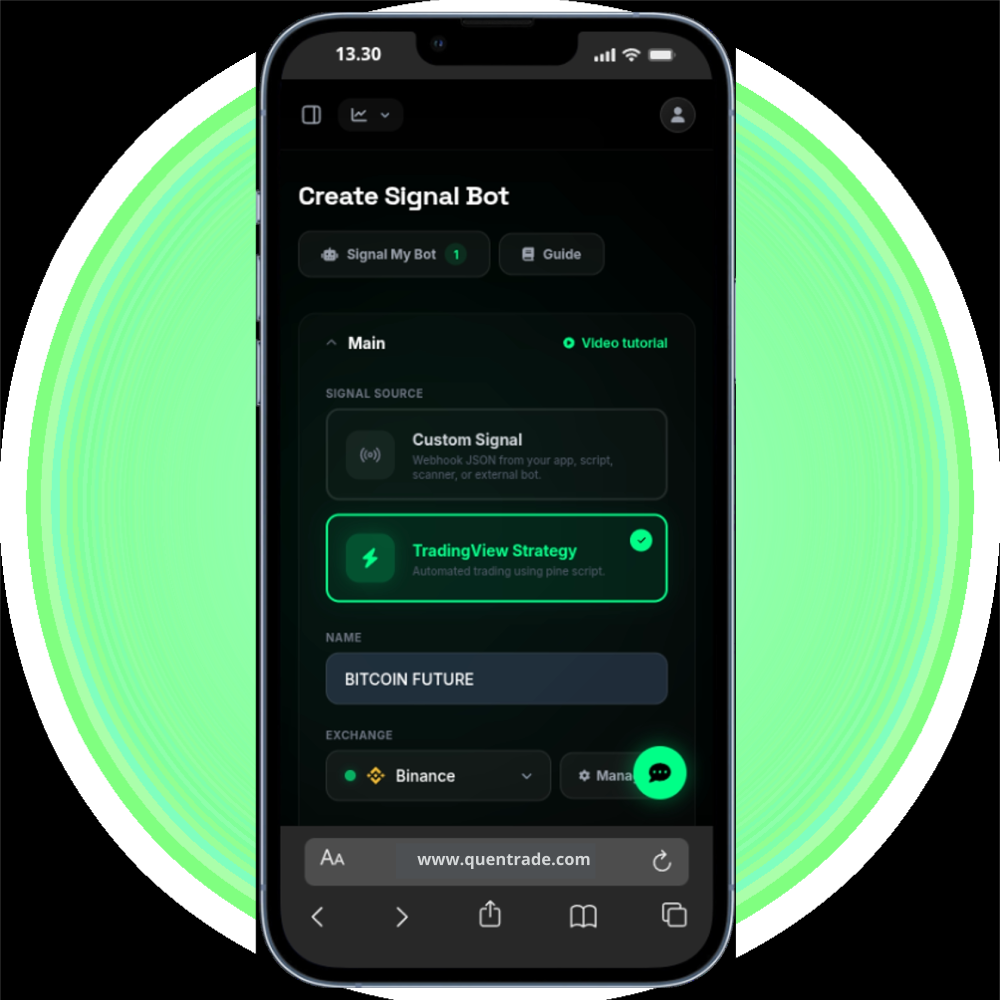
Signal Bot Features
Quentrade Signal Bot helps you move from alerts to execution with clearer controls for sizing, pair selection, risk rules, and exchange routing across your signal workflow.
Connect Pine Script strategy alerts to Quentrade and let the dashboard control pairs, sizing, and exchange execution.
Accept structured JSON from your own app, scanner, or external bot for flexible pair, action, market type, and order control.
Run signal bots across spot and futures execution with support for long, short, and exchange-specific routing rules.
Add target-based exits, trailing logic, stop loss rules, breakeven behavior, and structured risk boundaries from the dashboard.
Control how much each bot can allocate from your exchange balance with visible sizing rules instead of hidden webhook overrides.
Connect exchange API keys and organize automated signal execution across supported crypto trading accounts.
Review bot activity, open trades, historical signals, stopped bots, and strategy performance from the Quentrade dashboard.
Choose the signal source, exchange account, market type, sizing model, pair logic, and protection rules inside Quentrade.
Paste the Quentrade webhook URL into TradingView or your external signal sender so every signal can reach the bot instantly.
Trigger alerts from your TradingView strategies or send JSON payloads to seamlessly execute trades.
Track results in the dashboard, inspect bot history, review open trades, and improve strategy or risk settings over time.
How it works
Create the bot, choose the execution rules in the dashboard, connect the webhook, and let Quentrade translate signal messages into consistent exchange orders with visible controls.
Create Signal Bot
Connect webhook
Send signal
{
"action": "buy",
"pair": "BTCUSDT"
}
Monitor & refine
TradingView ready
Signal Bot is built for Pine Script strategies, manual TradingView alerts, custom webhook senders, and trading operations that want cleaner execution without building internal bot infrastructure first.
Route Pine Script strategy alerts into a bot that handles market type, sizing, and exchange execution from one dashboard.
Accept JSON signals from your app, scanner, automation server, or external bot without building a full execution layer first.
Build a bot that trades based on specific webhook entries and exits while users manage API keys and sizing locally.
Integrate with external automation tools by using Quentrade as the execution and management endpoint for your logic.
Security and control
Quentrade helps you automate signals while keeping allocation, order behavior, exits, and exchange routing visible before orders ever reach your connected account.
Quentrade is designed around exchange API connections so users keep control of their exchange accounts while delegating execution.
Define pair scope, allocation, order behavior, take profit, stop loss, and signal filters before automation can execute.
Review bot status, open trades, stopped bots, and signal outcomes so automation stays transparent and manageable.
Supported workflow
Signal Bot supports structured crypto automation across major exchanges. Use it for Bitcoin, Ethereum, Solana, BNB, stablecoin pairs, altcoin setups, and broader signal-driven execution across spot and futures workflows.
Binance OKXBybitCoinbaseKrakenKuCoin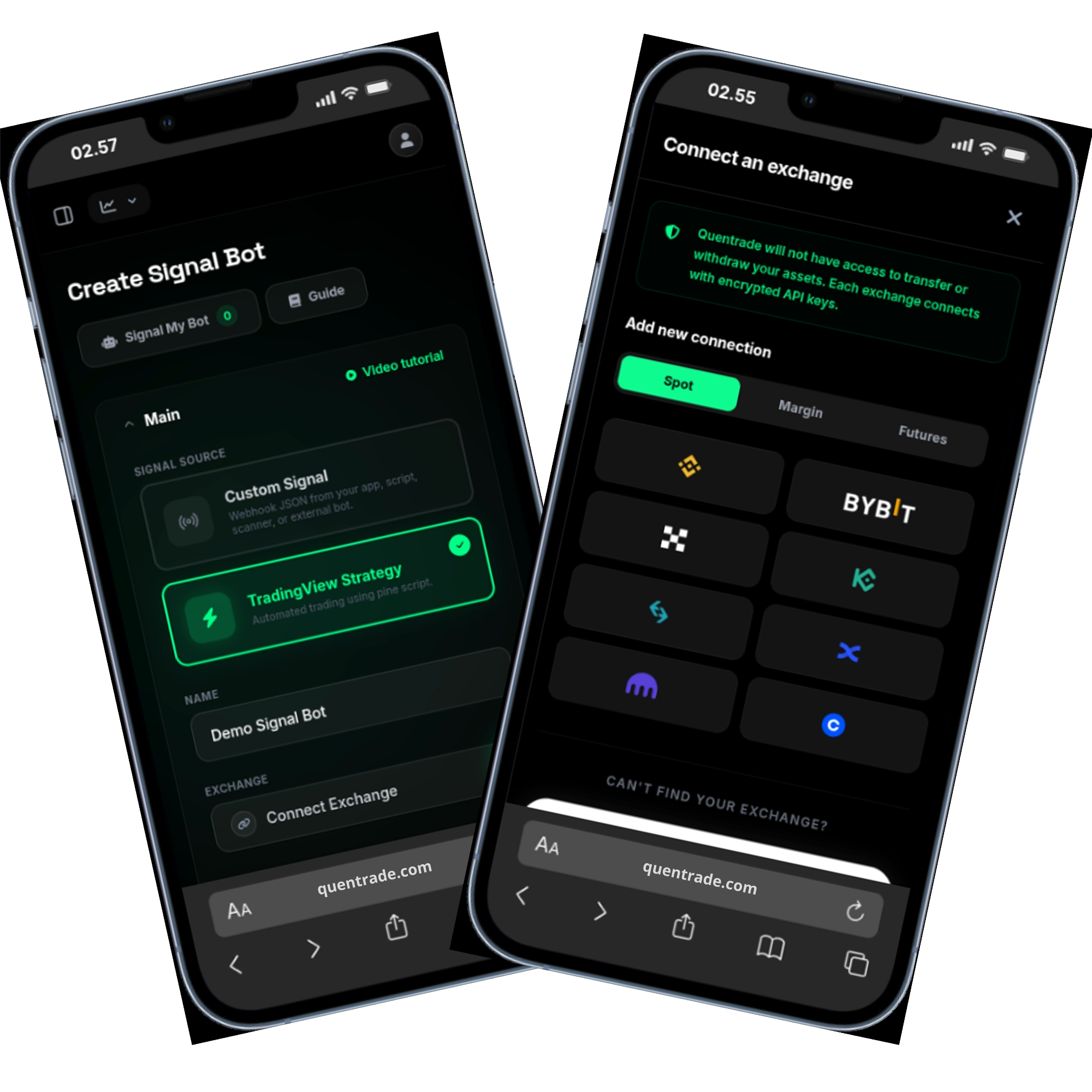
FAQ
A Signal Bot is an automated trading workflow that listens for TradingView alerts or external webhook signals and turns them into configured crypto trade actions on a connected exchange account.
Yes. Quentrade Signal Bot supports TradingView Strategy for Pine Script workflows and Custom Signal for structured webhook JSON from your own app, scanner, or external bot.
TradingView Strategy uses dashboard sizing through Max. investment usage and related bot settings. Custom Signal can read entry size directly from webhook JSON while still keeping risk controls in the dashboard.
Yes. Signal Bot workflows can use take profit, stop loss, breakeven, trailing logic, entry filters, and exit filters depending on how the bot is configured in the dashboard.
Start with TradingView or a custom webhook, choose the exchange account, define sizing and protection rules, and automate signal execution with more consistency and less manual overhead.
Start Signal Bot